
How Does Spotify Decide What Trends?
Before you can game the system, you need to understand it. Spotify uses a sophisticated algorithm that considers several key signals:
- Save rate — How many listeners save your song to their library (most important signal)
- Completion rate — Do people listen to the full song or skip after 10 seconds?
- Playlist adds — How many users add your track to their personal playlists
- Share rate — How often is your song being shared
- Skip rate — Low skip rate = Spotify pushes your song to more listeners
- Repeat listens — People playing your song multiple times signals quality
The algorithm's goal is simple: keep users listening longer. If your song does that, Spotify will promote it for free through algorithmic playlists like Discover Weekly, Release Radar, and Radio.
"Spotify's algorithm is your best A&R — if your song connects with even a small audience, the algorithm will find more people like them."
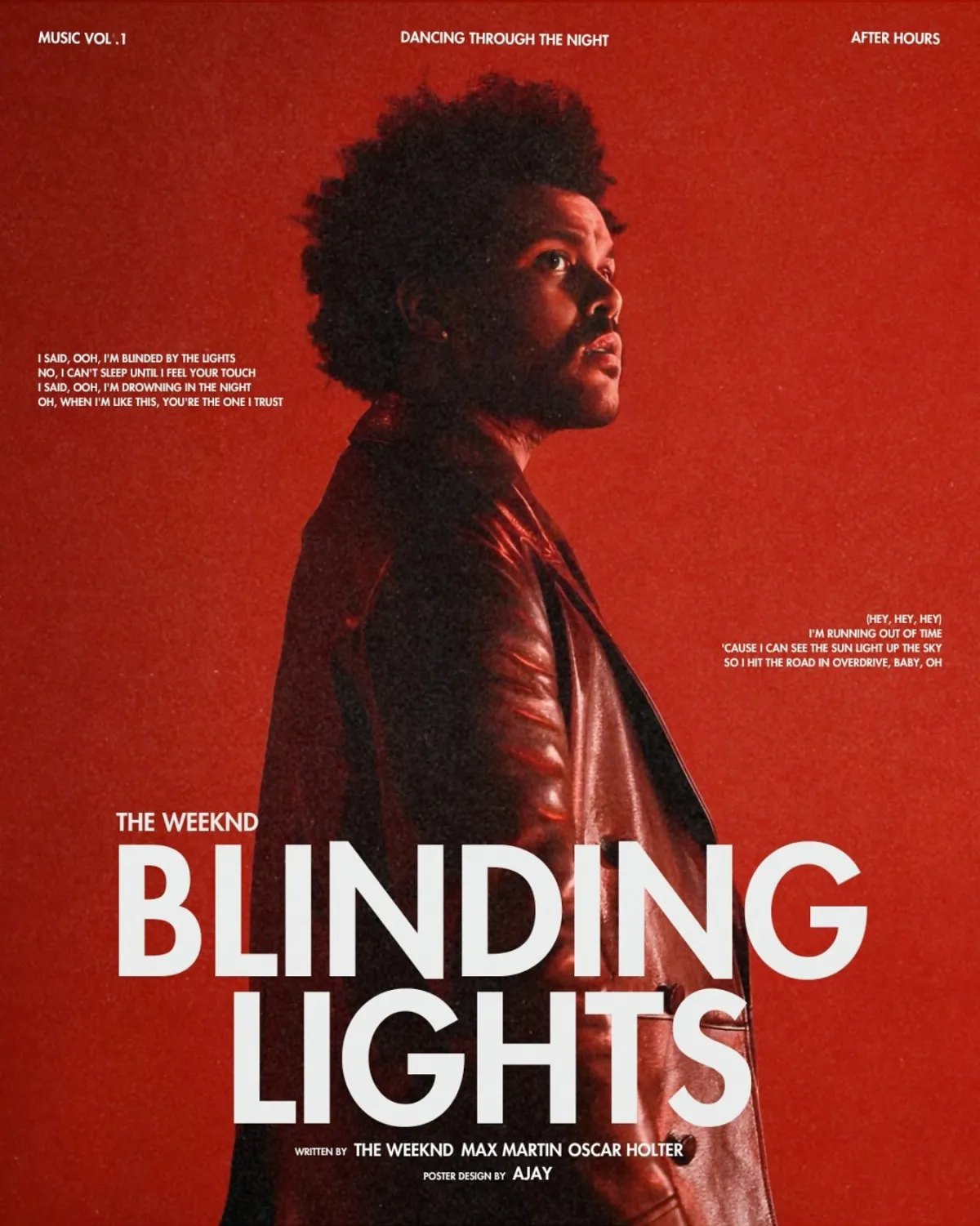
Step-by-Step: How to Make Your Song Trend on Spotify
1. Perfect Your Song Before Uploading
This sounds obvious, but it's the #1 mistake artists make. A poorly mixed or mastered song will never trend, regardless of your marketing. Invest in professional mixing and mastering — or at least use tools like LANDR, BandLab, or iZotope Ozone.
Key audio checklist:
- Professional mixing (balanced levels, clear vocals)
- Proper mastering (competitive loudness, -14 LUFS for Spotify)
- Strong intro — the first 5 seconds determine if listeners skip or stay
- Hook within the first 30 seconds
2. Upload 4 Weeks Early & Set Up Pre-Saves
Upload your song through your distributor at least 4 weeks before release day. This gives you time to:
- Submit to Spotify's editorial playlist team through Spotify for Artists
- Create pre-save links using Feature.fm, Linkfire, or Hypeddit
- Build anticipation with teasers on social media
Pre-saves are critical because they tell Spotify: "People are waiting for this song." When it drops, it automatically appears in their Release Radar and library — triggering early streams.
3. Submit to Spotify Editorial Playlists
Through Spotify for Artists, you can pitch one unreleased song at a time to Spotify's editorial team. When pitching:
- Choose the correct genre and mood
- Write a compelling description — tell the story behind the song
- Mention instruments, cultural influences, and target audience
- Add any notable collaborators or producers
4. Get on Independent Playlists
Editorial playlists are competitive. Independent curator playlists are more accessible and can still drive thousands of streams:
- SubmitHub — Submit to curators and blogs (free + premium)
- PlaylistPush — Paid curator matching service
- Soundplate — Free playlist submission
- DailyPlaylists — Free Spotify playlist submissions
- Playlist Supply — Curator marketplace
5. Drive External Traffic to Spotify
Spotify's algorithm loves external traffic. When people come from Instagram, TikTok, or YouTube to stream your song, it signals high demand. Here's how:
- Share Spotify links in your Instagram bio and Stories
- Create Reels and TikToks using your song's audio
- Post a YouTube Shorts teaser linking to the full track on Spotify
- Use smart links (Linkfire, ToneDen) that route users to their preferred platform
6. Encourage Saves, Not Just Streams
The save-to-stream ratio is Spotify's most powerful signal. A song with a 10% save rate will get pushed harder than one with 2%. Ask your audience to:
- "Save this to your library" (directly ask in Stories and posts)
- "Add this to your playlist"
- "Put this on repeat"
7. Use Spotify Canvas
Spotify Canvas lets you add a looping 3-8 second video to your track. Songs with Canvas get:
- 5% more streams
- 145% more shares
- 20% more playlist adds
Create a simple Canvas using Canva, CapCut, or After Effects.
8. Release Consistently
Spotify favours active artists. Releasing a new single every 4-6 weeks keeps you in Release Radar and trains the algorithm to promote your music regularly.
What NOT to Do
- Don't buy fake streams — Spotify detects artificial streaming and will remove your song or ban your account
- Don't use bot playlists — If a playlist has 50K followers but 0 engagement, it's fake
- Don't spam links — Focus on creating engaging content that makes people want to listen
- Don't ignore metadata — Proper genre tags, mood, and song descriptions help the algorithm categorise your music
Spotify Promotion Timeline
| Timeline | Action |
|---|---|
| 4 weeks before | Upload to distributor, submit to Spotify editorial, create pre-save links |
| 2 weeks before | Start teaser content on social media, submit to indie playlist curators |
| 1 week before | Ramp up pre-save promotion, behind-the-scenes content, countdown posts |
| Release day | Full announcement across all platforms, share Spotify link everywhere |
| Week 1 | Daily content, ask for saves/shares, engage with every comment |
| Week 2-4 | Lyric video, acoustic version, fan reaction content, continued playlist submissions |
| Month 2+ | Remix, collaboration, live sessions, plan next release |

Frequently Asked Questions About Trending on Spotify
How many streams do you need to trend on Spotify?
There's no fixed number. It depends on your genre and region. Some niche playlists require only 500-1,000 streams in the first week to trigger algorithmic promotion. For trending nationally, you'd need 50,000-100,000+ streams.
Can I promote my song on Spotify for free?
Absolutely. Spotify for Artists is free. Pre-save campaigns, social media promotion, and independent playlist submissions can all be done for free.
How long does it take to trend?
If your song gains traction in the first 24-48 hours (strong save rate, playlist adds), Spotify can start pushing it algorithmically within the first week.
Final Thoughts on Spotify Trending
Trending on Spotify isn't luck — it's strategy. The artists who trend consistently are the ones who plan their releases 4+ weeks ahead, create compelling content, drive external traffic, and engage their audience.
Focus on getting a high save rate, submit to playlists (both editorial and independent), and treat every release like a marketing campaign — not just an upload.
Need help with music marketing? TML Agency runs full-service music promotion campaigns for artists →